HR & Payroll on Your Desktop
The complete NepalHRM HR and payroll workspace, as a native desktop app for Windows and macOS. Run Nepal-compliant payroll - PF, CIT, SSF, eTDS - review attendance, and manage your team in a fast, full-screen window built for month-end.
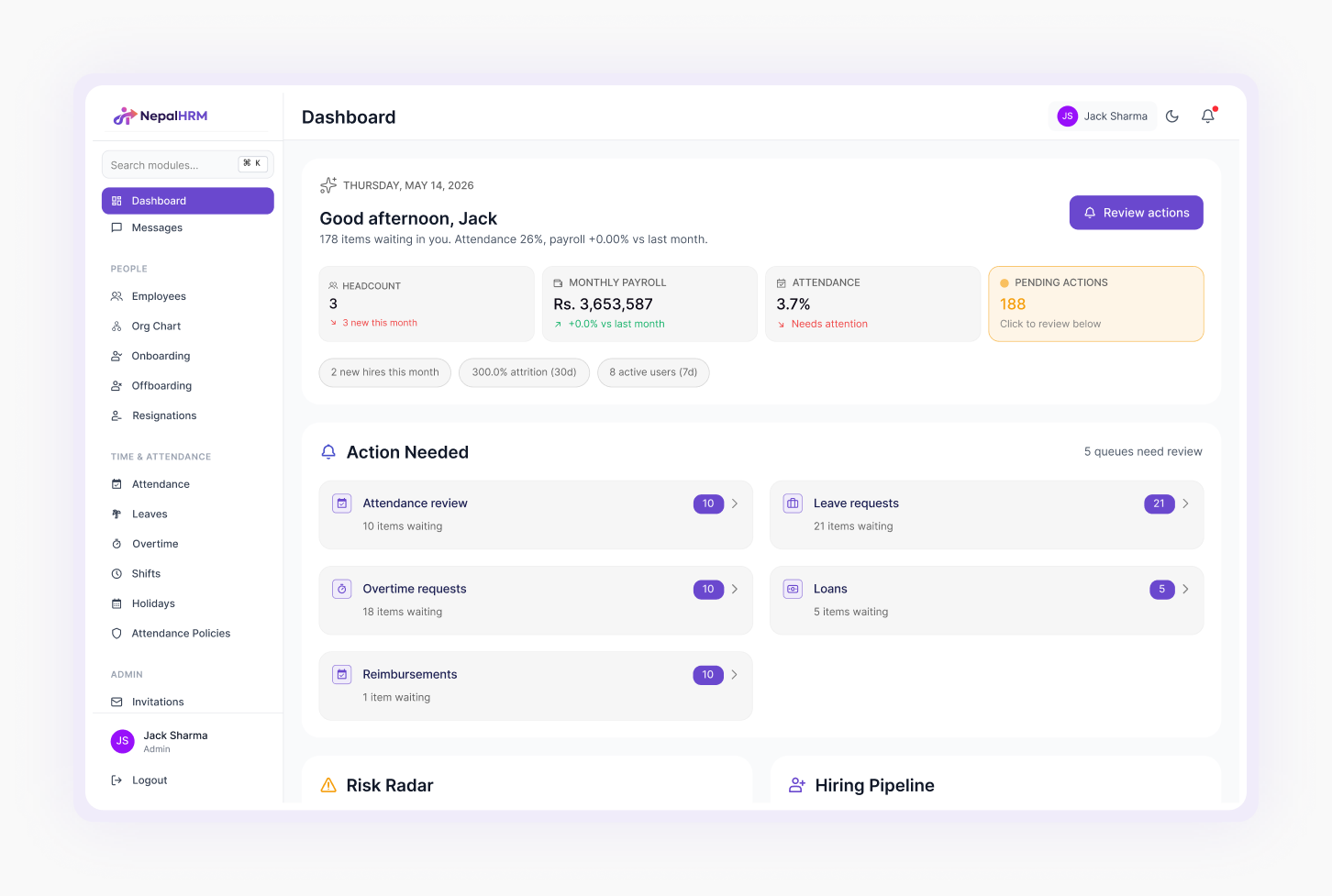
Everything HR & Payroll Needs, on the Big Screen
Run payroll on a full screen
Process PF, CIT, SSF, eTDS and IRD tax slabs across your whole company in one wide, spreadsheet-fast view.
CIT Optimizer
See the maximum legally-permitted CIT contribution for each employee to minimise their tax - recalculated as you edit.
Attendance & biometric review
Reconcile ZKTeco / iclock punches, regularise entries, and approve overtime before payroll locks.
Keyboard-first data entry
Tab through rows, bulk-edit salary components, and post entries without reaching for the mouse - built for month-end.
Bank transfer files
Generate salary payment files for NIC Asia, Nabil, Global IME and NBL, ready to upload to your bank portal.
Bilingual payslips
Nepali + English payslips on the Bikram Sambat calendar, exported as PDFs in a single batch.
Recruitment & ATS
Track candidates, move them through the pipeline, and generate offer letters from the same workspace.
Multi-company
Switch between legal entities and run consolidated reports without logging out (Enterprise plans).
Audit log
Every sensitive action is recorded to a tenant-scoped, immutable log - review it right from your desktop.
Built for the People Who Run Payroll
The mobile app is for employees. The desktop app is for whoever closes the month - a focused, full-screen workspace on the machine where the real HR and payroll work happens.
A dedicated window
No lost browser tabs. Payroll opens in its own app, side by side with your spreadsheets and bank portal.
Native notifications
Approvals, payroll status and reminders arrive as desktop notifications - you don't have to keep a tab open.
Always up to date
The app auto-updates, so Nepal tax and compliance changes reach you without a manual reinstall.
Runs on the Computers You Already Have
- Windows 10 or 11 (64-bit)
- 4 GB RAM or more
- Internet connection to sync your account
- macOS 11 (Big Sur) or later
- Apple silicon or Intel
- Internet connection to sync your account
Common Questions, Answered
It is the full NepalHRM HR & payroll platform packaged as a native desktop application for Windows and macOS. HR and payroll admins get the complete workspace - payroll, attendance, recruitment, reports - in a dedicated window instead of a browser tab.
The NepalHRM desktop app runs on Windows 10 and 11 (64-bit) and on macOS 11 (Big Sur) or later. Download the Windows or the macOS build from this page.
Yes - downloading and installing the app is free. You sign in with your existing NepalHRM account, and your company's subscription covers usage. There is no separate desktop licence fee.
No. The desktop app is another way into the same NepalHRM account - it shares one source of data with the web and mobile apps, so nothing is duplicated or lost. Use whichever fits the task; changes sync everywhere.
The desktop app connects to your NepalHRM cloud account, so an internet connection is needed to sync payroll, attendance and employee data. Your data lives securely in the cloud, not only on one machine.
Download the installer for your operating system, run it, and sign in. The app checks for updates so you always have the latest Nepal tax and compliance rules without reinstalling.
All traffic uses TLS 1.2+, access is role-based, and every sensitive action is written to an immutable audit log. Signing out clears the local session. See our Security page for the full picture.
Ready to Run Payroll on Your Desktop?
Free to download for Windows and macOS. Sign in with your NepalHRM account and pick up where the web left off.
- No minimum commitment
- Nepal IRD compliant
- Free onboarding
- Cancel anytime